Career Resources
Free
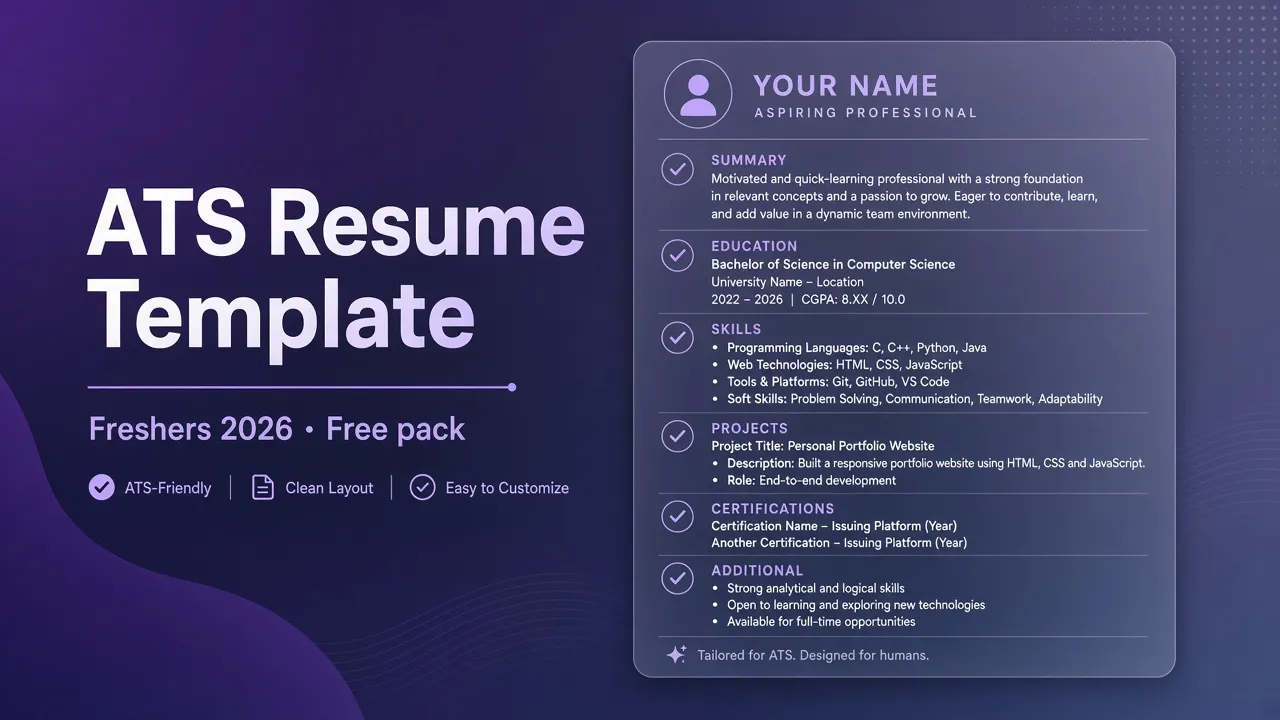
Free ATS Resume Template for Freshers (2026)
One-page ATS-friendly resume template in Word and PDF, with a tips guide and checklist — free with email.
Price: Free
Free for Indian freshers
Start with four free resources on this site—no card required. When you are ready for more, browse affordable website templates and digital packs priced in INR.
Free downloads
Enter your email on each listing to unlock the file. The UI/UX course opens in your browser—no checkout.
Career Resources
Free
One-page ATS-friendly resume template in Word and PDF, with a tips guide and checklist — free with email.
Price: Free
Career Resources
Free
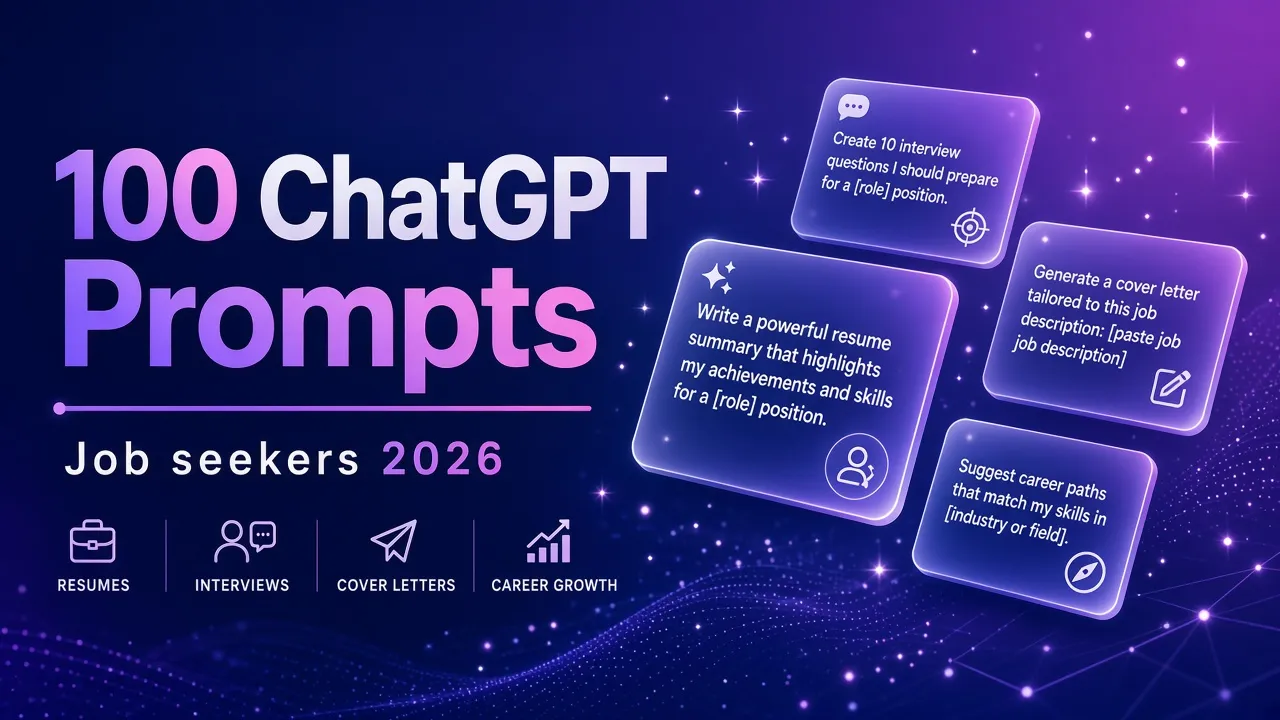
Copy-paste AI prompts for resumes, cover letters, LinkedIn, interviews, salary, and follow-ups — free with email.
Price: Free

Career Resources
Free
Track applications, status, contacts, and follow-ups in one spreadsheet — free with email.
Price: Free

Training
Free course
Free on-site course with lessons, exercises, and a small case study.
Free
About
Afordz is built by a small team of UI/UX designers and web developers who believe good career and design resources shouldn't cost a fortune.
We make free resume templates, job-search tools, a free UI/UX course and affordable website templates, all designed to help students and freshers get hired or build faster.
Free means free. No spam, ever.
4 free resources
Three career downloads plus a free UI/UX course on this site.
Prices in INR
Paid templates and courses stay affordable for students and freshers.
Simple checkout
Free packs unlock with email. Paid items use Razorpay.
We reply
Questions go to hello@afordz.in.
Premium pick
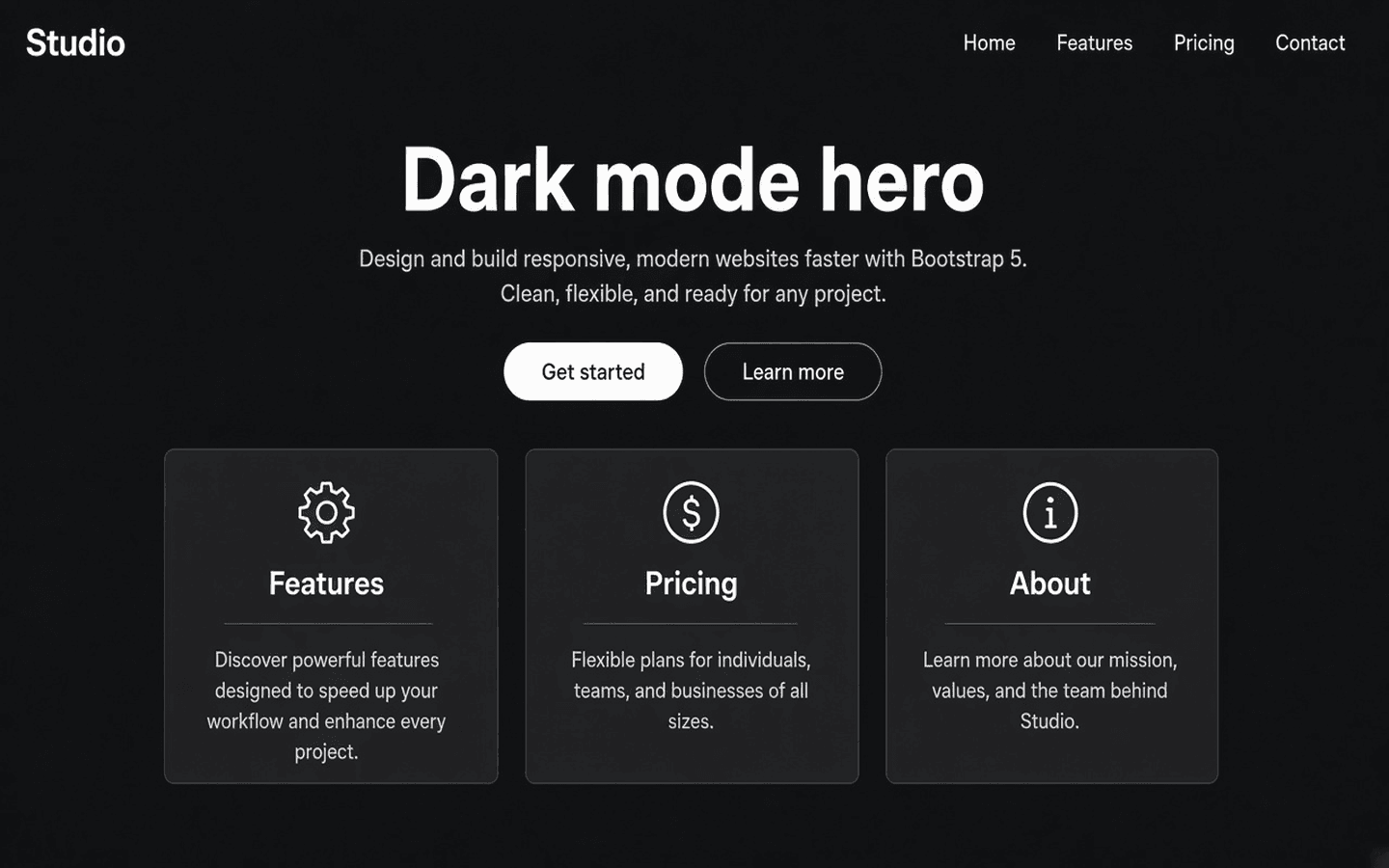
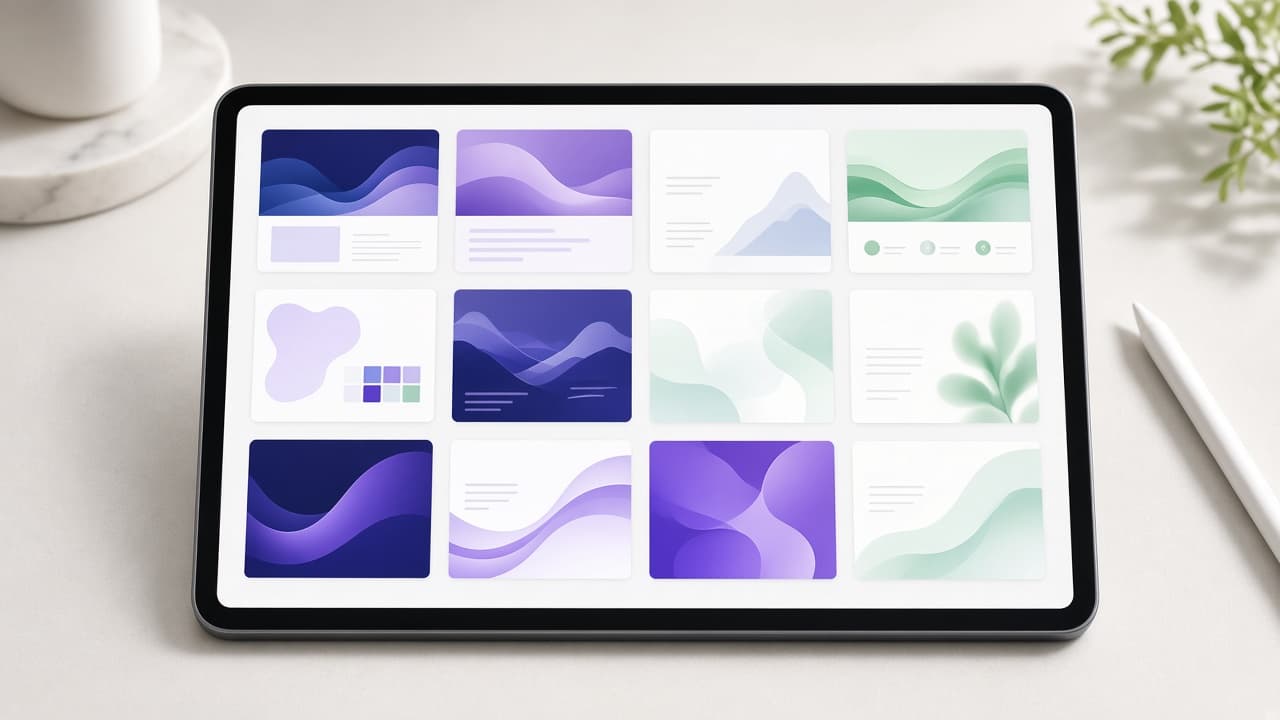
1,000 single-page HTML files: 500 Bootstrap 5 pages and 500 Tailwind CSS pages that load styles from a CDN.
₹99
Shop
01
Narrow the catalogue by purchase type, category, and a price range in INR. Sort sits above the product cards.
02
Afordz product cards show the catalogue price in rupees. Checkout prices the order again on the server. Partner offers show Check current price instead of a fixed amount.
03
A product is a single digital licence. Adding it again leaves the cart as it is.
04
View Details opens the product page, including any fields that are still marked as placeholders.
Process
Free downloads skip checkout. These steps apply when you buy a paid listing.
Step 1
Open a listing, then add it to the cart. Each product is one digital licence, and adding it again leaves the cart unchanged.
Step 2
Checkout asks for a name and an email address. Card and UPI details are entered on Razorpay for the catalogue price in INR.
Step 3
After the payment is captured, a file product gets a private download for 48 hours. A subscription is limited to the details confirmed on its listing and does not include a download file.
Short answers about free downloads, delivery, and checkout.
One digital licence for a product in the shop, or a partner offer fulfilled by the vendor. Open the listing to see what is included. Details marked as unconfirmed on a product page are not part of the offer.
For a file product, a captured Razorpay payment for that order, amount, and INR opens a private download that expires in 48 hours. The templates listing is a ZIP of 1,000 standalone HTML pages. A subscription listing does not include a download file.
No. Each order includes one digital licence per product. Adding that product again leaves the cart as it is.
Checkout asks for your name and email. Card and UPI details are entered on Razorpay for the catalogue price in INR.
Digital sales are final once Razorpay captures your payment. Read the refund policy page for the full wording.
A partner offer is sold on the vendor website, not through the Afordz cart. Checkout, delivery, and support are handled by the vendor. Afordz may earn a commission if you purchase through a configured affiliate link. Partner listings do not include a local download.
Use the contact page and email hello@afordz.in. The listings do not include a support window.